gridland
An open-source TUI framework that runs in the terminal and the browser, so non-technical users can use terminal apps too.
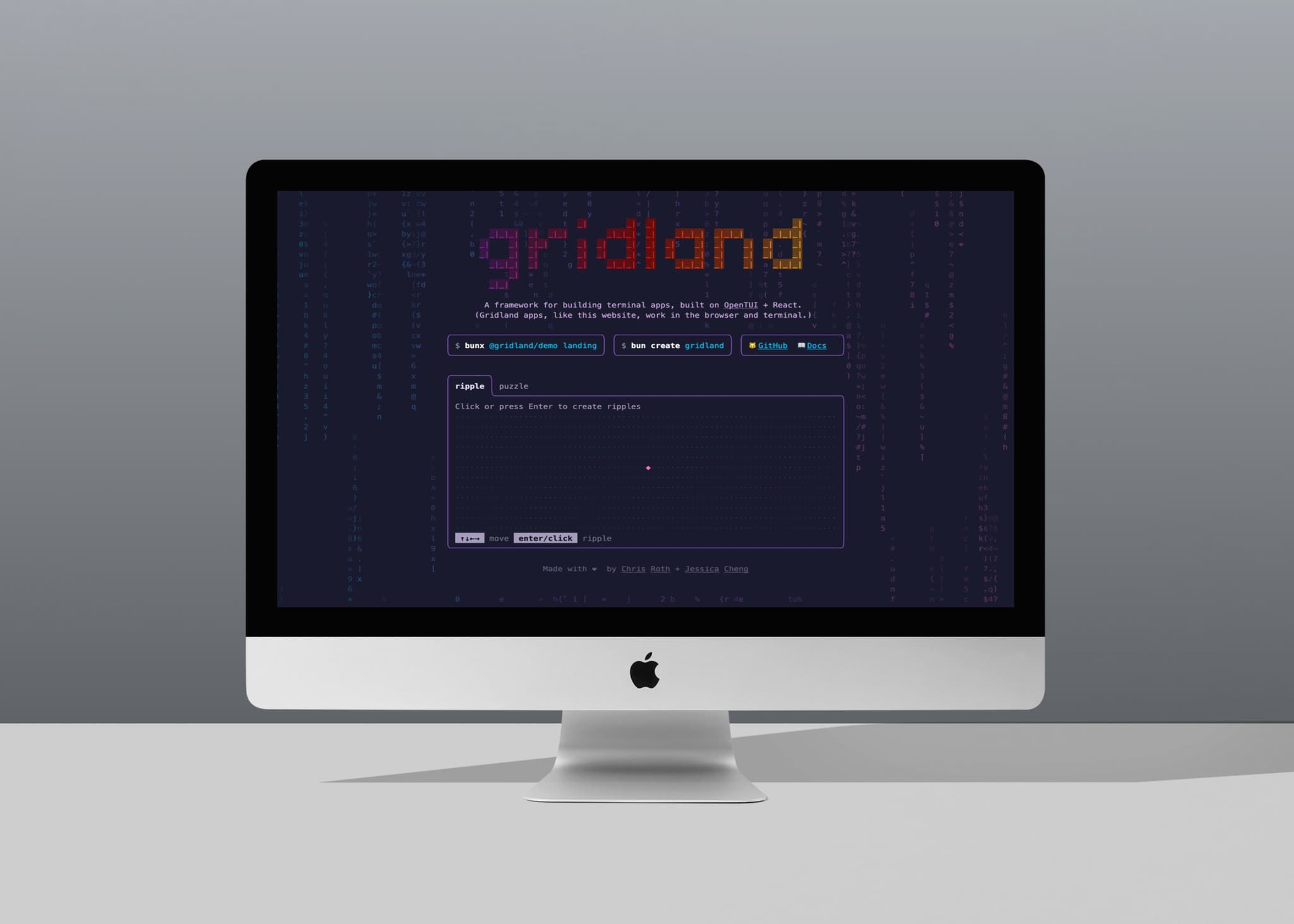
Overview.
gridland is a React-based TUI framework I co-designed and co-built with Chris Roth. The same component tree renders to a browser canvas, a real terminal, and plain text for AI agents: one codebase, three audiences. The project has 300+ stars on GitHub, hit the front page of Hacker News with 111 upvotes on launch, and ships UI components through a shadcn-style registry, so developers own the source instead of pulling in an opaque dependency.
Live demo: Focus with Multi-Select.
Below is the same FocusApp demo that appears on gridland.io/docs/interaction/focus, running here on an HTML <canvas> via @gridland/web. Click the canvas to focus it, then Tab moves between columns, ↑/↓ navigates options, Space/Enter toggles. Selected items show in cyan; the focused panel gets a dashed pink border.
The same JSX, run with bunx, renders to your real terminal.
Highlighted features.
Same React tree, terminal + browser
Write components once. They render to a real terminal via @gridland/bun and to an HTML5 canvas via @gridland/web. No separate web port. A non-technical user opens a browser tab; a power user runs the same app in their shell.
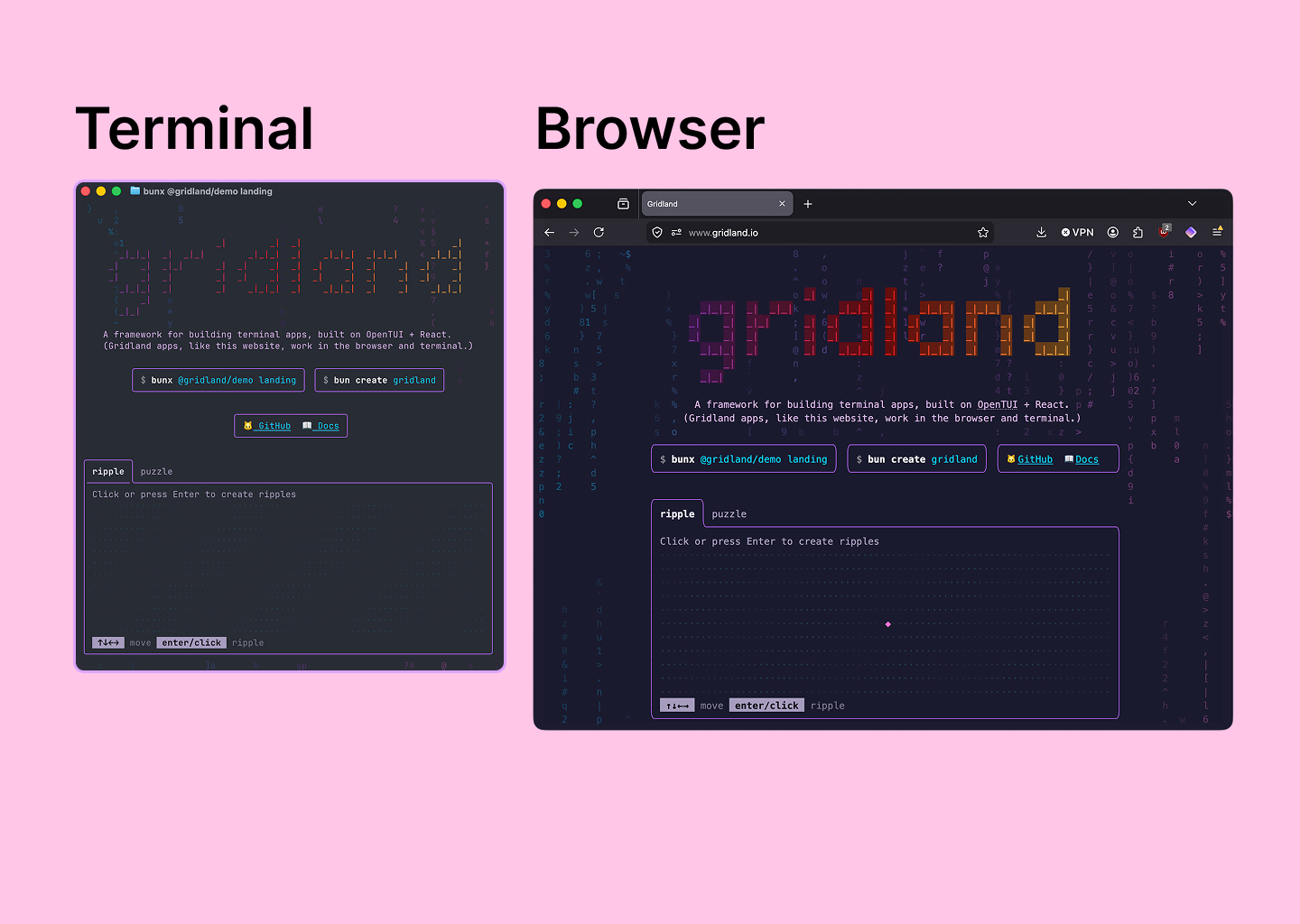
Share your terminal app through a web link
Demo your app in the browser without forcing users to install it before they’re invested. Send a link, they see the running app, TUI included. The install pitch only happens after they want it.
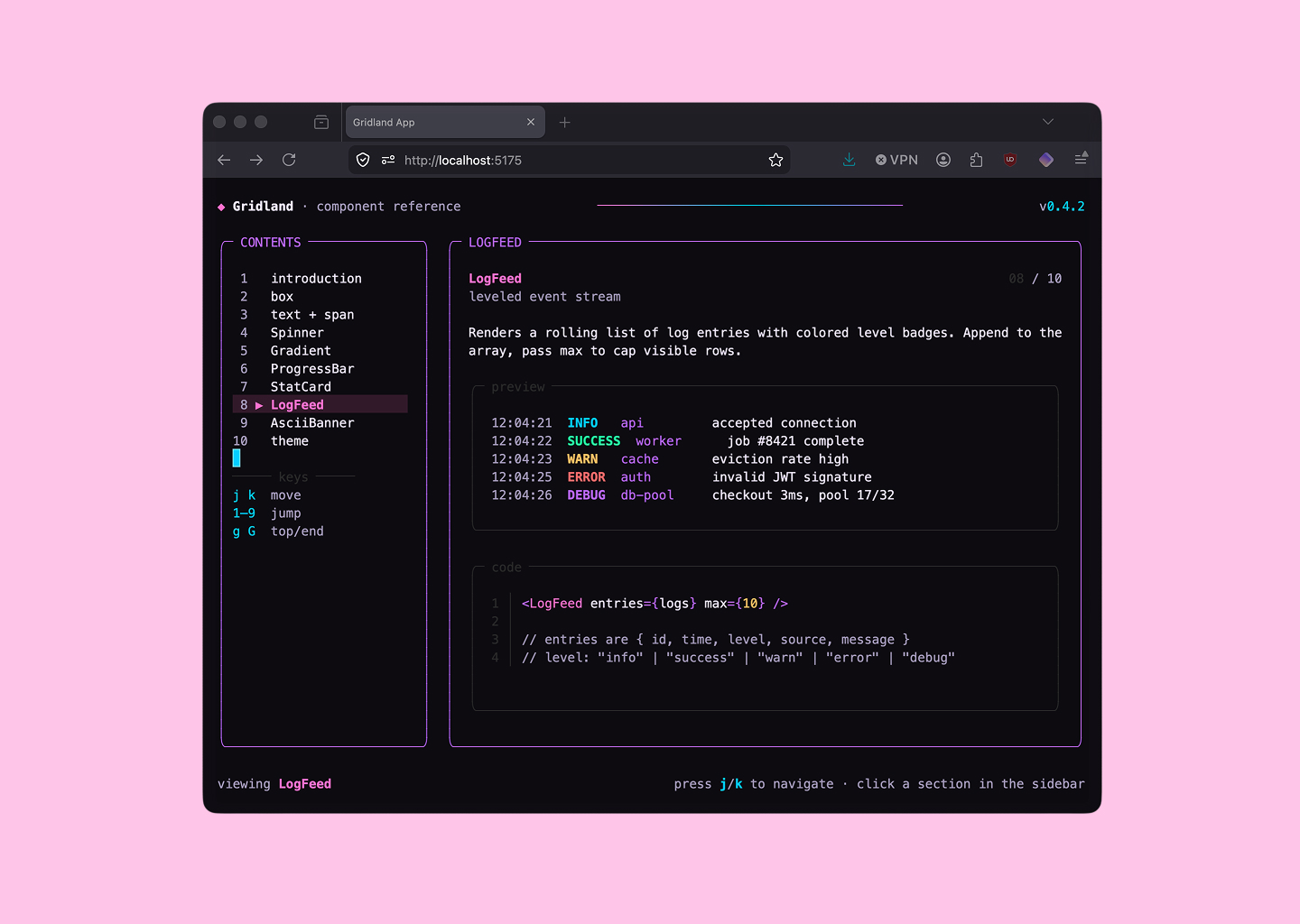
Shadcn-style terminal components
gridland ships a library of terminal-native UI components (chat, prompt input, multi-select, table, spinner, status bar, side nav and more) distributed through a shadcn registry. Run bunx create-gridland add chat and the source lands in your repo as plain .tsx files. The web ecosystem already has shadcn for the browser; gridland brings the same ergonomics to the terminal.
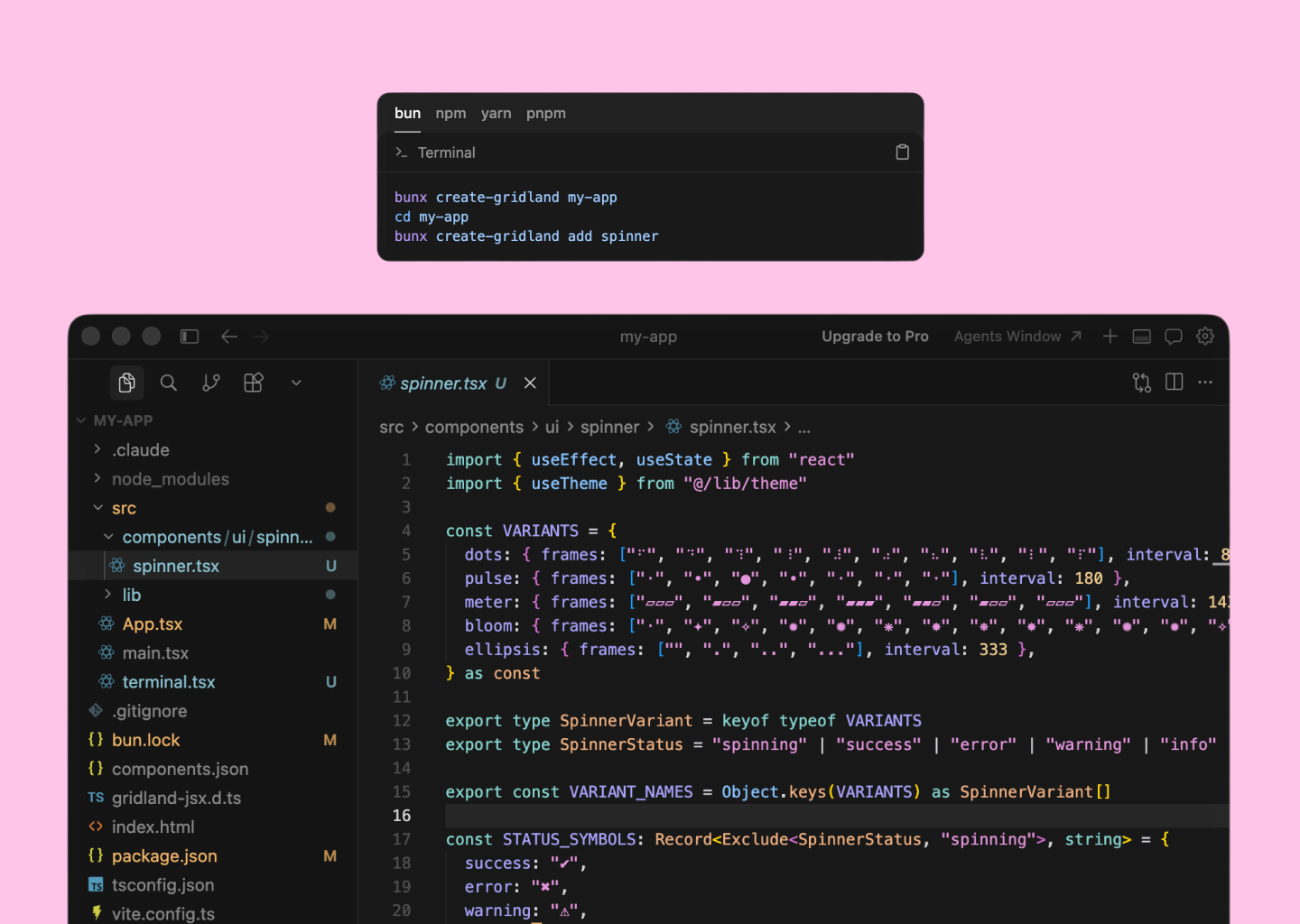
Try it.
Spin up a new gridland project in seconds, or run a demo without cloning anything.
bunx create-gridland my-appbunx @gridland/demo landing
Let's make something users will love!
If you're looking for a product designer who can bridge the gap between design and code, I'm here to help!